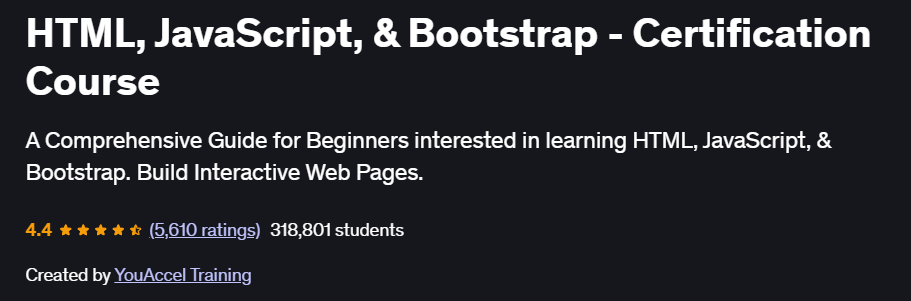
What will you in HTML, JavaScript, & Bootstrap – Certification Course
- Build responsive websites using semantic HTML5 and Bootstrap’s grid system.
- Style web pages effectively with CSS fundamentals and Bootstrap utility classes.
- Add interactivity through JavaScript basics: DOM manipulation, events, and simple scripting.
- Implement UI components like modals, carousels, and forms using Bootstrap’s JS plugins.
- Earn a course certificate demonstrating core front-end web skills.
Program Overview
Module 1: HTML Development
⏳ ~2 hours 16 min
- Understand HTML structure: elements, attributes, headings, lists, tables, forms.
- Develop semantic pages with images and media embedding.
- Practice through mini-projects to reinforce structure.
Module 2: JavaScript Development
⏳ ~1 hour 23 mins
- Learn basics: variables, operators, loops, conditional logic.
- Work with DOM elements and event listeners.
- Add simple interactivity: form validation, dynamic content.
Module 3: Bootstrap Development
⏳ ~2 hours 46 mins
- Use the Bootstrap grid system for responsive layouts.
- Apply utility classes for typography, cards, and navigation.
- Add interactive Bootstrap components: modals, carousels, dropdowns.
- Deploy complete responsive pages.
Get certificate
Job Outlook
- High Demand: HTML, CSS, JavaScript, and Bootstrap are standard requirements for front-end roles.
- Career Advancement: Lays foundational competence for moving into frameworks like React, Vue, or Angular.
- Salary Potential: These beginner skills support entry-level web developer and designer roles with solid earning potential.
- Freelance Opportunities: Great for delivering responsive landing pages, marketing sites, and Bootstrap-based projects.
Explore More Learning Paths
Build on your front-end development foundation with these curated courses designed to strengthen your skills in HTML, CSS, JavaScript, and responsive frameworks.
Related Courses
-
Meta Front-End Developer Professional Certificate Course – Gain job-ready front-end development skills, including advanced JavaScript, UI design, and hands-on projects guided by industry experts.
-
Responsive Web Design Course – Learn the essentials of creating websites that adapt flawlessly to any device using modern CSS techniques and layout fundamentals.
-
HTML, CSS, and JavaScript for Web Developers Specialization Course – Strengthen your understanding of core web technologies and build interactive, dynamic, and responsive websites from the ground up.
Related Reading
Deepen your understanding of how structured planning enhances complex web projects:
-
What Is Project Management – Explore the processes, skills, and frameworks that keep development projects organized, efficient, and successful.