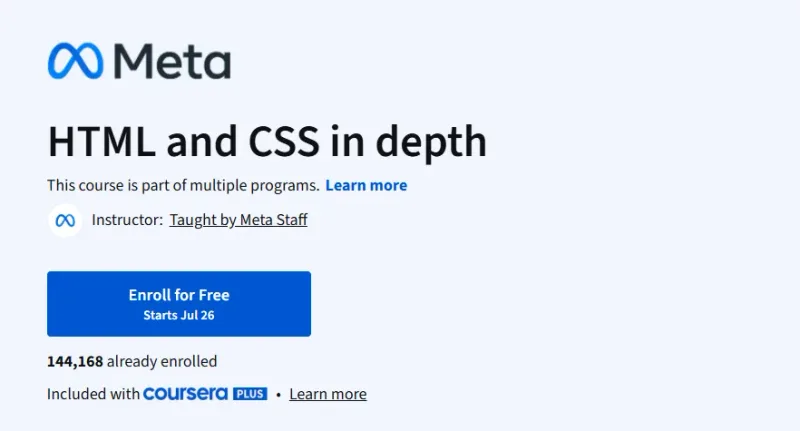
HTML and CSS in depth Course

HTML and CSS in depth Course Course

A strong intermediate-level course for learners ready to move beyond HTML basics and start creating professional-quality webpages using advanced CSS and responsive design.

Explore This Course
9.7/10 Highly Recommended

HTML and CSS in depth Course on Coursera — A strong intermediate-level course for learners ready to move beyond HTML basics and start creating professional-quality webpages using advanced CSS and responsive design.

Pros

  • Created by Meta professionals
  • Highly practical with real-world layout techniques
  • Emphasizes modern responsive design

Cons

  • Focuses only on frontend—no JavaScript
  • Requires prior knowledge of basic HTML and CSS

HTML and CSS in depth Course Course

Platform: Coursera

What will you learn in HTML and CSS in depth Course

  • Build fully structured webpages using semantic HTML.

  • Style responsive and visually appealing layouts with CSS.

​​​​​​​​​​

  • Apply best practices in accessibility and responsive design.

  • Develop reusable styles with advanced CSS techniques.

Program Overview

Module 1: Advanced HTML Concepts

⏱️ 1 week

  • Topics: Semantic HTML, tables, forms, and multimedia.

  • Hands-on: Create accessible and structured content with semantic tags.

Module 2: CSS Positioning and Layouts

⏱️ 1 week

  • Topics: Flexbox, Grid, positioning schemes.

  • Hands-on: Build page layouts that adjust across screen sizes.

Module 3: Responsive Web Design

⏱️ 1 week

  • Topics: Media queries, mobile-first design, viewport configuration.

  • Hands-on: Build a responsive landing page.

Module 4: Advanced CSS Styling

⏱️ 1 week

  • Topics: Variables, pseudo-classes, animations, and transitions.

  • Hands-on: Design a modern and interactive user interface.

Get certificate

Job Outlook

  • HTML & CSS remain core web development skills for frontend jobs.

  • Used across roles like web developers, UI designers, and content developers.

  • Strong demand in freelance marketplaces, startups, and media companies.

  • Salaries: $45K–$85K depending on role, location, and stack.

Explore More Learning Paths

Take your engineering and management expertise to the next level with these hand-picked programs designed to expand your skills and boost your leadership potential.

Related Courses

Related Reading

Gain deeper insight into how project management drives real-world success:

FAQs

How much time should I dedicate weekly to complete the course effectively?
Estimated completion is around 3–5 weeks at a part-time pace. Weekly effort of 3–5 hours is generally sufficient for lectures and hands-on exercises. Regular practice in creating pages and styling reinforces learning. Revisiting exercises or experimenting with additional layouts may require extra time. Consistent engagement ensures learners develop both foundational and advanced HTML/CSS skills.
How relevant are the skills taught for web development careers?
HTML and CSS are fundamental skills for frontend development roles. Knowledge improves employability for web designer, frontend developer, and UI/UX roles. Hands-on projects demonstrate practical ability to potential employers. Understanding modern CSS techniques supports advanced web development frameworks. Completion shows readiness to contribute to professional web development projects.
Can this course help me understand responsive design and modern CSS techniques?
Learners are introduced to Flexbox, Grid, and media queries for responsive layouts. CSS variables, animations, and transitions are explained and applied. Practical exercises show how to create websites that work on multiple devices. Knowledge gained helps improve usability and user experience. Skills are directly applicable to frontend development projects.
Will I gain practical experience creating web pages and styling them?
The course includes exercises for writing HTML and CSS code. Learners practice styling pages, creating layouts, and formatting content. Real-world examples demonstrate best practices in web design. Step-by-step guidance ensures proper structure and responsive design. Hands-on projects help learners build a portfolio of web pages to showcase skills.
Do I need prior web development experience to take this course?
No prior web development experience is required; the course starts from foundational concepts. Basic familiarity with computers and browsers is helpful but not mandatory. Step-by-step lessons introduce HTML elements, CSS styling, and page layout. Hands-on exercises allow learners to build web pages from scratch. Beginners can gradually develop confidence in creating responsive and well-structured websites.

Similar Courses

Other courses in Web Development Courses