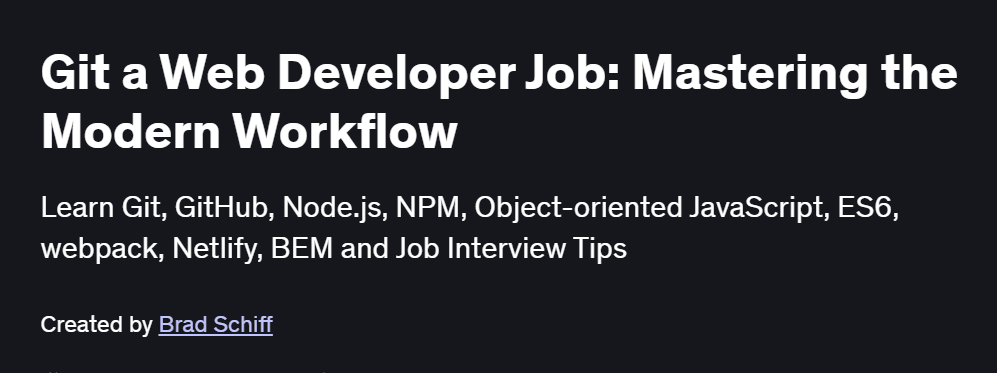
What will you in Git a Web Developer Job: Mastering the Modern Workflow Course
-
Initialize and clone Git repositories, and configure user identity and
.gitignorerules -
Manage branches effectively: create, switch, merge, rebase, and resolve conflicts
-
Use advanced workflows: Gitflow, GitHub Flow, and trunk-based development
-
Collaborate via remotes: pushing, pulling, fetching, and using pull requests on GitHub/GitLab
-
Leverage stashing, bisecting, and cherry-picking to handle complex development scenarios
-
Integrate Git hooks, submodules, and large-file support (Git LFS) into your workflow
Program Overview
Module 1: Git Foundations & Setup
⏳ 30 minutes
-
Installing Git, setting global configs (
user.name,user.email), and initializing repos -
Understanding the working directory, staging area, and local repository
Module 2: Basic Commit Workflow
⏳ 45 minutes
-
Tracking file changes, staging (
git add), committing (git commit), and reviewing history -
Amending commits, undoing changes, and using
git restore/git reset
Module 3: Branching & Merging
⏳ 1 hour
-
Creating and switching branches, fast-forward vs. three-way merges
-
Handling merge conflicts and using GUI merge tools
Module 4: Rebase & Advanced History
⏳ 1 hour
-
Interactive rebase (
git rebase -i) to clean up commits -
Cherry-picking, reflog, and recovering lost commits
Module 5: Remote Collaboration
⏳ 1 hour
-
Adding and managing remotes (
origin), fetching vs. pulling -
Pushing branches, setting upstream, and handling diverged histories
Module 6: Pull Requests & Code Reviews
⏳ 45 minutes
-
Creating PRs on GitHub/GitLab, reviewing changes, and merging strategies
-
Enforcing branch protection rules and status checks
Module 7: Workflow Strategies
⏳ 45 minutes
-
Comparing Gitflow, GitHub Flow, and trunk-based workflows
-
Choosing the right model for your team size and release cadence
Module 8: Advanced Tools & Best Practices
⏳ 30 minutes
-
Implementing client-side hooks for linting and tests
-
Managing submodules, Git LFS, and optimizing large repos
Get certificate
Job Outlook
-
Mastery of Git workflows is critical for roles such as Front-End Developer, Back-End Engineer, and DevOps Engineer
-
Enables seamless collaboration in teams of all sizes, from startups to enterprise environments
-
Prepares you for CI/CD integration, code review culture, and open-source contribution
-
Forms the foundation for advanced dev practices: GitOps, infrastructure-as-code, and automated release pipelines