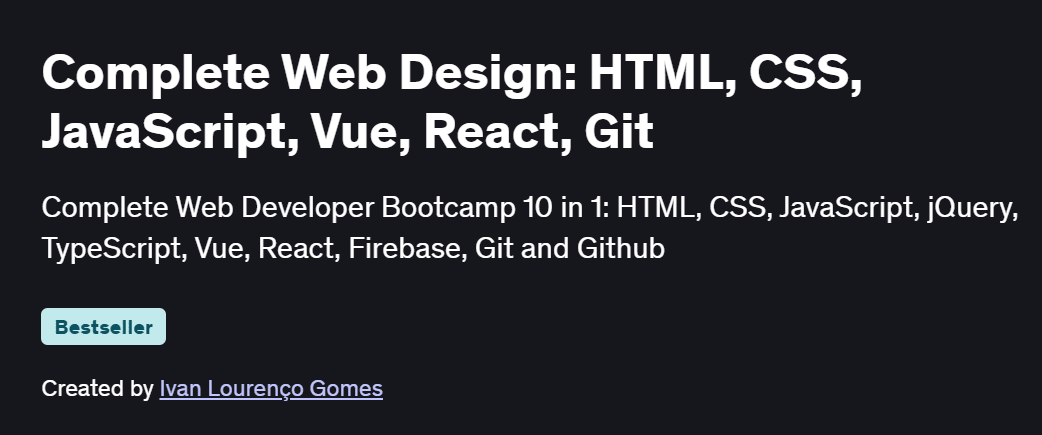
What will you in Complete Web Design: HTML, CSS, JavaScript, Vue, React, Git Course
- Structure modern web pages with semantic HTML5 elements
- Style responsive layouts using CSS3, Flexbox, and Grid
- Add interactivity with vanilla JavaScript: DOM manipulation and event handling
- Optimize and deploy your projects using Git, GitHub Pages, and basic performance techniques
- Build a portfolio of real-world front-end projects from scratch
Program Overview
Module 1: Environment Setup & HTML Basics
⏳ 30 minutes
-
Installing VS Code, live-server extensions, and project organization
-
Creating page skeletons: doctype, head, body, headings, paragraphs, links, images
Module 2: CSS Fundamentals & Styling
⏳ 45 minutes
-
Linking stylesheets, selectors, the box model, margins, padding, and typography
-
Working with colors, backgrounds, and CSS variables
Module 3: Layout with Flexbox & Grid
⏳ 1 hour
-
Building one-dimensional layouts using Flexbox for navbars and card lists
-
Crafting two-dimensional page layouts with CSS Grid for header, sidebar, and content
Module 4: Responsive Design & Media Queries
⏳ 45 minutes
-
Mobile-first approach, breakpoints, and fluid units (%, rem, vh/vw)
-
Testing across device sizes and using the viewport meta tag
Module 5: JavaScript for Front-End
⏳ 1 hour
-
Selecting and updating DOM elements, handling user events (click, input)
-
Form validation, toggling classes, and basic animations with
requestAnimationFrame
Module 6: Project 1 – Interactive Landing Page
⏳ 1 hour
-
Combining HTML, CSS, and JS to build a scroll-triggered animation site
-
Implementing smooth scrolling and responsive navigation
Module 7: Project 2 – JavaScript Image Gallery
⏳ 1 hour
-
Fetching images from a JSON array, creating lightbox effects, and keyboard navigation
-
Lazy loading and performance considerations
Module 8: Deployment & Next Steps
⏳ 30 minutes
-
Initializing Git, committing code, and publishing via GitHub Pages
-
Tips for HTTPS, custom domains, and continuous deployment
Get certificate
Job Outlook
- Front-end skills in HTML, CSS, and JavaScript are core for Web Developer and UI Engineer roles
- Valuable for freelance projects, startup MVPs, and agency work building client websites
- Lays a foundation for frameworks like React, Vue, or Angular and full-stack pathways
- Enables creation of a strong portfolio to showcase to recruiters and clients
Explore More Learning Paths
Expand your web development and design expertise with these hand-selected programs created to strengthen your front-end foundation, improve your UI skills, and help you build modern, responsive, and user-centered web experiences.
Related Courses
-
Web Development for Beginners Specialization Course – Build a solid understanding of the core languages and concepts behind modern web development, ideal for absolute beginners.
-
Web Design for Everybody: Basics of Web Development & Coding Specialization Course – Learn the essential building blocks of designing and coding websites, including structure, layout, accessibility, and user-friendly interfaces.
-
Responsive Web Design Course – Master the principles of responsive layouts, flexible grids, and adaptive design to create seamless experiences across all devices.
Related Reading
Gain deeper insight into how project management drives real-world success:
-
What Is Project Management? – Understand the principles that make every great project a success story.