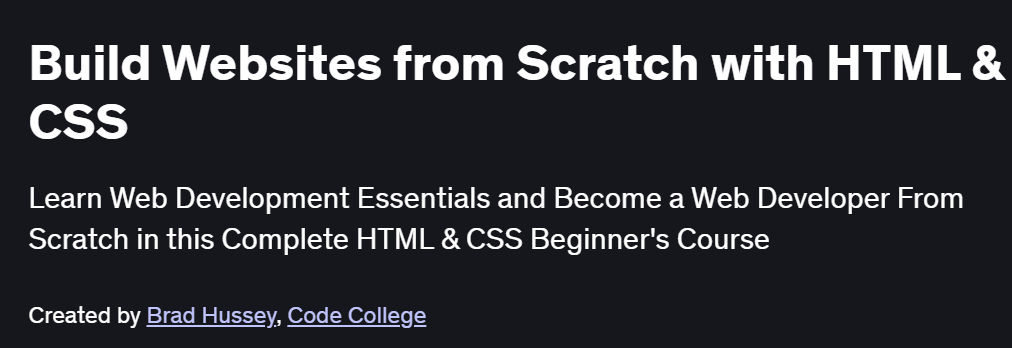
What will you in Build Websites from Scratch with HTML & CSS Course
-
Plan and structure a modern website using HTML5 semantic elements
-
Style layouts responsively with CSS3, Flexbox, and Grid
-
Add interactivity through JavaScript: DOM manipulation, event handling, and basic animations
-
Optimize assets and performance: image compression, minification, and caching strategies
-
Deploy your site to a live server using Git, GitHub Pages, or a basic hosting provider
Program Overview
Module 1: Project Setup & HTML Essentials
⏳ 30 minutes
-
Installing code editor (VS Code), configuring live server, and folder structure
-
Building the page skeleton:
<doctype>,<head>,<header>,<nav>,<main>,<footer>
Module 2: CSS Fundamentals & Layout
⏳ 45 minutes
-
Linking external stylesheets, selectors, the box model, and typography
-
Crafting responsive layouts with Flexbox and CSS Grid
Module 3: Advanced Styling & Responsive Design
⏳ 1 hour
-
Media queries for mobile-first design, fluid units, and breakpoints
-
CSS variables, pseudo-classes, and transitions for hover/active states
Module 4: JavaScript Basics & DOM Manipulation
⏳ 1 hour
-
Understanding variables, functions, and control flow
-
Selecting elements, updating content, and handling user events
Module 5: Interactive Features & Form Handling
⏳ 45 minutes
-
Building dynamic navigation menus and modal dialogs
-
Validating form inputs, showing error messages, and submitting data
Module 6: Asset Optimization & Performance
⏳ 45 minutes
-
Compressing images, using SVGs, and lazy loading
-
Minifying CSS/JS, leveraging browser caching, and measuring performance with Lighthouse
Module 7: Version Control & Deployment
⏳ 45 minutes
-
Initializing Git, committing changes, and pushing to GitHub
-
Publishing your site with GitHub Pages or simple FTP/hosted solutions
Module 8: SEO Basics & Next Steps
⏳ 30 minutes
-
Adding meta tags, alt attributes, and semantic HTML for accessibility
-
Planning feature enhancements, frameworks to explore (React/Vue), and continuous integration ideas
Get certificate
Job Outlook
-
Front-end development skills are in high demand for roles such as Web Developer, UI Engineer, and Front-End Engineer
-
Foundations transferable to positions in digital agencies, startups, and corporate web teams
-
Enables freelancing opportunities building brochure sites, landing pages, and small business websites
-
Provides a stepping-stone to advanced JavaScript frameworks, full-stack development, and DevOps practices
Explore More Learning Paths
Take your web development skills to the next level with these curated courses designed to help you build professional, responsive, and interactive websites from the ground up.
Related Courses
-
HTML and CSS In-Depth Course – Master HTML and CSS fundamentals to create visually appealing and fully responsive web pages.
-
Programming Foundations with JavaScript, HTML, and CSS Course – Learn to integrate JavaScript with HTML and CSS for interactive, dynamic web applications.
-
HTML, CSS, and JavaScript for Web Developers Specialization Course – Advance your skills by building full-featured web applications using modern front-end technologies.
Related Reading
-
What Is Web Development? – Understand the core concepts, tools, and career opportunities in web development.