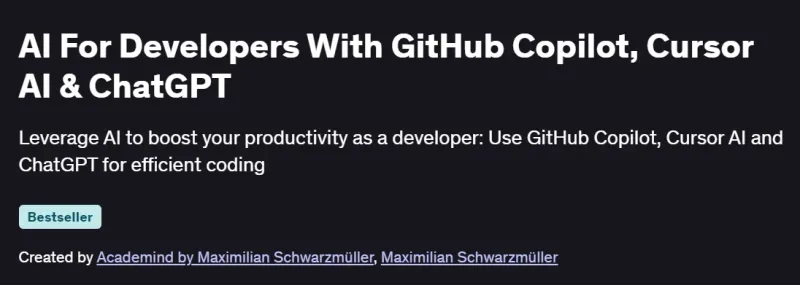
What will you in AI For Developers With GitHub Copilot, Cursor AI & ChatGPT Course
-
Leverage GitHub Copilot, Cursor AI, and ChatGPT to write, refactor, and optimize code efficiently.
-
Automate unit test creation and code reviews for higher quality, reduced bugs, and cleaner code.
-
Apply prompt-engineering techniques to improve AI suggestion accuracy across tools.
-
Use Cursor AI’s Composer and chat modes for complex refactoring and context-aware edits.
-
Integrate ChatGPT for project planning, asset creation, and developer workflows.
Program Overview
Module 1: Introduction & Setup
⏳45 minutes
-
Install and configure GitHub Copilot, Cursor AI, and ChatGPT tools in your IDE.
-
Learn core workflows: code generation, completion, testing, chat interactions.
Module 2: Code Generation & Refactoring
⏳60 minutes
-
Generate boilerplate and feature code using AI prompts.
-
Use AI to refactor existing code, enhance readability, and eliminate duplication.
Module 3: Unit Testing & Code Reviews
⏳45 minutes
-
Automate unit test creation and code review tasks.
-
Leverage AI to detect errors, enforce coding standards, and document changes.
Module 4: Cursor AI Composer & Chat
⏳60 minutes
-
Use Cursor AI’s Composer for multi-file operations and large-refactoring workflows.
-
Engage AI in conversational interactions to clarify code logic and fix errors.
Module 5: ChatGPT for Planning & Integration
⏳45 minutes
-
Use ChatGPT to brainstorm project structures and write documentation.
-
Integrate AI-generated assets into real projects and workflows.
Module 6: Advanced AI Workflows
⏳60 minutes
-
Combine AI tools for end-to-end tasks—plan, code, test, refactor, and document.
-
Master prompt engineering strategies to maximize coding efficiency.
Get certificate
Job Outlook
-
High Demand: Developers proficient with AI coding assistants are increasingly sought after.
-
Career Advancement: Boosts performance in full-stack, DevOps, and AI-enhanced engineering roles.
-
Salary Potential: $110K–$160K+ in tech sectors valuing productivity gains from AI tooling.
-
Freelance Opportunities: Offer AI tool setup, prompt optimization, and code automation consultancy.
Explore More Learning Paths
Expand your AI-powered development expertise with these advanced courses designed to sharpen your technical and problem-solving skills. Whether you’re automating workflows or building intelligent applications, these paths will help you master AI-driven innovation.
Related Courses
-
Generative AI for Software Developers Specialization Course – Build smart applications by integrating AI tools into your development process.
-
Generative AI for Mobile App Developers Specialization Course – Learn how to infuse AI into mobile app experiences with cutting-edge techniques.
-
Generative AI for Java and Spring Developers Specialization Course – Leverage generative AI to optimize and scale Java and Spring-based development.
Related Reading
-
What Is Project Management – Understand how structured project management ensures success in complex AI and software development initiatives.