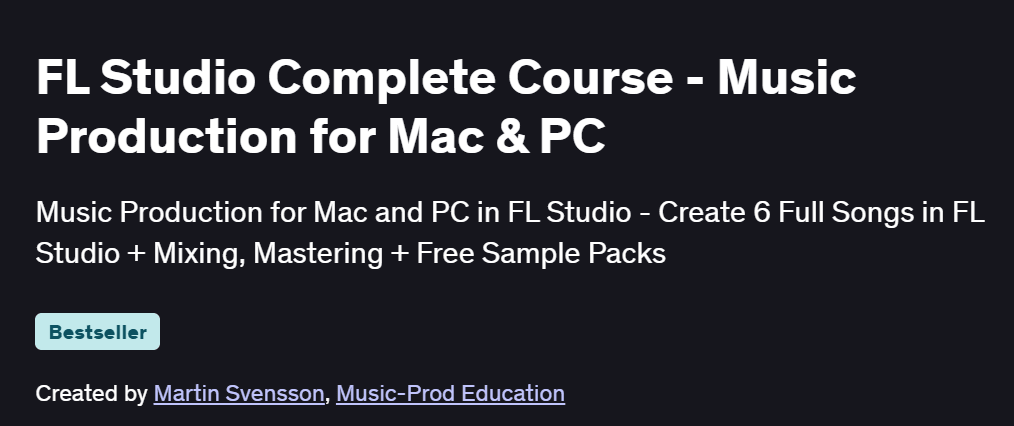
What will you in FL Studio Complete Course – Music Production for Mac & PC Course
-
Navigate FL Studio’s interface, browser, channel rack, and mixer
-
Create beats and melodies using the piano roll, step sequencer, and sampler
-
Work with software instruments, loops, and third-party plugins for unique sounds
-
Apply mixing techniques: EQ, compression, reverb, and automation envelopes
-
Export and render your tracks for streaming, distribution, and mastering
Program Overview
Introduction to FL Studio & Setup
⏳ 30 minutes
-
Installing FL Studio on Mac/PC, setting audio preferences, and organizing the browser
-
Understanding workspaces: Playlist, Channel Rack, Mixer, and Piano Roll
Beat Making & Patterns
⏳ 1 hour
-
Using the step sequencer, Drumaxx, and FPC to program drum patterns
-
Creating melody loops with the piano roll and plug-ins like Sytrus and FLEX
Arrangement & Workflow
⏳ 45 minutes
-
Building song structure using the Playlist, arrangement markers, and automation clips
-
Copying, slicing, and layering patterns for dynamic arrangements
Sound Design & Sampling
⏳ 1 hour
-
Manipulating samples, slicing audio with Edison, and drag-and-drop techniques
-
Designing synth sounds with Harmor, 3xOSC, and plugin presets
Mixing & Effects
⏳ 1 hour
-
Inserting tracks into the Mixer, routing, side-chain compression, and bus sends
-
Applying EQ, compression, chorus, reverb, delay, and creative effects
Automation & Advanced Techniques
⏳ 45 minutes
-
Creating and editing automation clips for volume, filter cutoff, and plugin parameters
-
Using macros, LFO controllers, and gross beat for advanced modulation
Exporting & Final Touches
⏳ 30 minutes
-
Rendering stems, full mixes, and master tracks with correct bit depth and dither
-
Preparing your project for mastering, sharing, and publishing
Bonus Tips & Productivity Hacks
⏳ 30 minutes
-
Custom templates, MIDI controllers, and workflow shortcuts
-
Leveraging online resources, sample packs, and community presets
Get certificate
Job Outlook
-
FL Studio is widely used in electronic music, hip-hop production, and beat making
-
Skills in FL Studio open opportunities for beat producers, sound designers, and remix artists
-
Freelance work in sample pack creation, ghost production, and online collaborations
-
Foundation for advancing into full-time music production, scoring, or audio engineering careers
Explore More Learning Paths
Take your music production journey even further with these curated programs designed to sharpen your creative, technical, and compositional skills.
Related Courses
-
Music Composition 1 Course – Build a strong foundation in melody, harmony, and musical structure to enhance your production workflow.
-
Electronic Music Production Specialization Course – Master the essential tools, techniques, and creative processes behind professional electronic music production.
-
Songwriting: Writing, Arranging, and Producing Music Specialization Course – Learn to craft powerful songs, arrange professionally, and take your productions from idea to polished track.
Related Reading
-
What Is Product Management? – Explore how strategic planning and structured workflows can enhance your creative decision-making in music production.