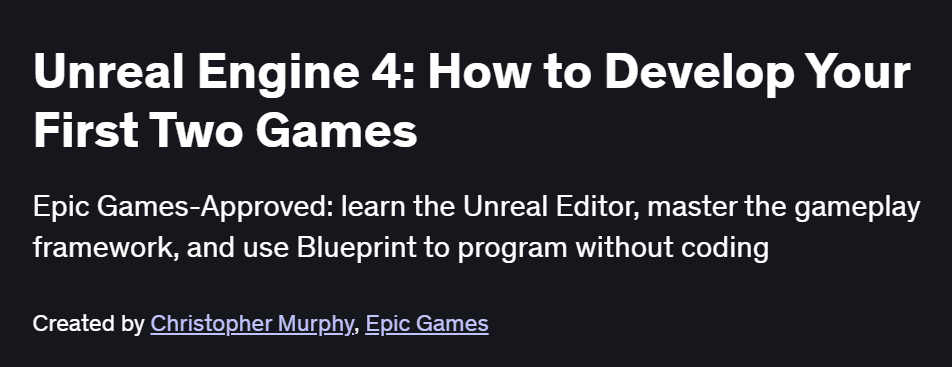
What will you in Unreal Engine 4: How to Develop Your First Two Games Course
-
Navigate the Unreal Engine 4 Editor: project setup, content browser, and scene management
-
Build levels with geometry tools, terrain sculpting, and foliage workflows
-
Create gameplay logic using Blueprint visual scripting: custom events, variables, and functions
-
Implement player character movement, camera systems, and basic AI behavior
-
Apply materials, lighting, and post-process effects to polish visuals
-
Package and deploy your projects to Windows and mobile platforms
Program Overview
Module 1: Editor Essentials & Project Setup
⏳ 30 minutes
-
Installing UE4, exploring the interface, and organizing assets
-
Creating and configuring your first blank and template-based projects
Module 2: Level Design & Environment Building
⏳ 1 hour
-
Using BSP brushes, landscape tools, and foliage placement
-
Applying textures, decals, and lighting for a cohesive scene
Module 3: Blueprint Fundamentals
⏳ 1 hour
-
Understanding nodes, execution flow, and creating reusable functions
-
Building an interactive door and light switch with Blueprints
Module 4: Player Character & Controls
⏳ 45 minutes
-
Setting up a Character Blueprint with keyboard/mouse or touch input
-
Configuring third-person and first-person camera systems
Module 5: Basic AI & Navigation
⏳ 1 hour
-
Creating AI Controllers, Behavior Trees, and Blackboard assets
-
Using NavMesh volumes for NPC pathfinding and simple patrol logic
Module 6: Materials, Shaders & Visual Effects
⏳ 1 hour
-
Building material graphs with parameters, masks, and dynamic properties
-
Adding particle systems and post-process volumes for atmosphere
Module 7: UI & HUD with UMG
⏳ 45 minutes
-
Designing UMG widgets: health bars, menus, and crosshairs
-
Binding widget variables to in-game Blueprint data
Module 8: Packaging & Optimization
⏳ 30 minutes
-
Configuring build settings for desktop and mobile targets
-
Profiling performance with Stat commands and applying basic optimizations
Get certificate
Job Outlook
-
UE4 skills are highly valued for Game Designer, Technical Artist, and Level Designer roles
-
Applicable in industries beyond games: architecture visualization, film previsualization, and VR/AR experiences
-
Foundation for advanced specializations in C++ integration, multiplayer systems, and custom shader authoring
-
Enables freelance work creating interactive demos, simulations, and educational experiences
Explore More Learning Paths
Take your game development skills further with these curated programs designed to deepen your understanding of game mechanics, design principles, and professional workflows, helping you create more engaging and polished gaming experiences.
Related Courses
-
Welcome to Game Theory Course – Explore the strategic principles behind gameplay and player decision-making to design smarter, more interactive games.
-
Introduction to Game Design Course – Learn the core concepts of level design, storytelling, and gameplay mechanics essential for creating compelling games.
-
Epic Games Game Design Professional Certificate Course – Gain industry-aligned skills in game design and development, with hands-on experience aligned with Epic Games’ professional workflows.
Related Reading
Gain deeper insight into how project management drives real-world success:
-
What Is Project Management? – Understand the principles that make every great project a success story.