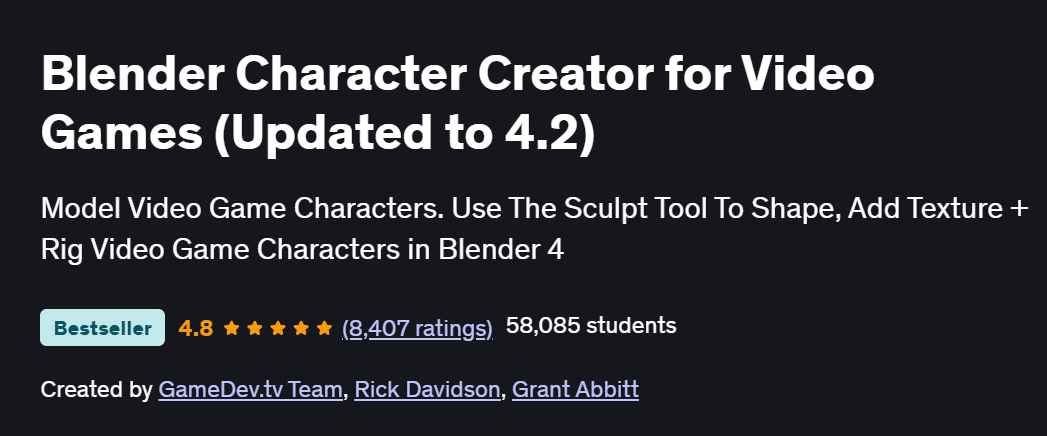
What will you in Blender Character Creator for Video Games (Updated to 4.2) Course
- Model human and creature characters from reference images using Blender’s sculpting and mesh tools
- Retopologize and UV-unwrap your sculpts for clean, efficient topology and texture mapping
- Paint textures and apply realistic materials with Blender’s shading system and PBR workflows
- Rig characters with bones and weight-painting for natural deformation and posing
- Animate character actions using keyframes, shape keys, and the Graph Editor
Program Overview
Module 1: Introduction & Setup
⏳ 30 minutes
-
Installing Blender and configuring interface layouts
-
Importing reference images and setting up project files
Module 2: Sculpting the Base Mesh
⏳ 1 hour
-
Blocking out primary shapes with dynamic topology
-
Refining anatomy landmarks and facial features
Module 3: Retopology & UV Unwrapping
⏳ 1 hour
-
Creating a low-poly mesh over the sculpt for animation readiness
-
Seam placement and unwrapping for efficient texture space
Module 4: Texturing & Shading
⏳ 1 hour
-
Painting base colors and detail maps with Texture Paint
-
Building PBR materials (albedo, roughness, normal maps) in the Shader Editor
Module 5: Rigging & Skinning
⏳ 1 hour
-
Adding an armature and creating bone hierarchies
-
Weight-painting for smooth joint deformation and corrective shape keys
Module 6: Character Posing & Shape Keys
⏳ 45 minutes
-
Posing your character using bone constraints and IK/FK setups
-
Creating facial expressions and corrective blend shapes
Module 7: Basic Character Animation
⏳ 1 hour
-
Keyframing walk and idle cycles
-
Using the Graph Editor to refine motion curves
Module 8: Rendering & Presentation
⏳ 30 minutes
-
Setting up lighting, cameras, and render settings in Eevee or Cycles
-
Compositing passes for final polish and exporting turntable animations
Get certificate
Job Outlook
- Character artists skilled in Blender are in demand for indie and AAA game studios, animation houses, and VFX pipelines
- Applicable to roles such as 3D Character Modeler, Texture Artist, and Technical Rigger
- Blender proficiency opens doors to freelance work—game assets, VR/AR characters, and digital collectibles
- Builds a foundation for advanced work in sculpting (ZBrush), look-development, and pipeline integration
Explore More Learning Paths
Enhance your game art and character creation expertise with these carefully selected programs designed to expand your artistic foundation, deepen your understanding of game design, and strengthen your storytelling skills for immersive gaming experiences.
Related Courses
-
Game Design: Art and Concepts Specialization Course – Build a strong artistic foundation in visual design, worldbuilding, and conceptualization to create compelling characters and environments for video games.
-
Introduction to Game Design Course – Learn the core principles of game mechanics, player engagement, level design, and creative decision-making essential to successful game development.
-
Story and Narrative Development for Video Games Course – Master narrative structure, character arcs, and storytelling techniques to craft immersive and emotionally resonant game experiences.
Related Reading
Gain deeper insight into how project management drives real-world success:
-
What Is Project Management? – Understand the principles that make every great project a success story.