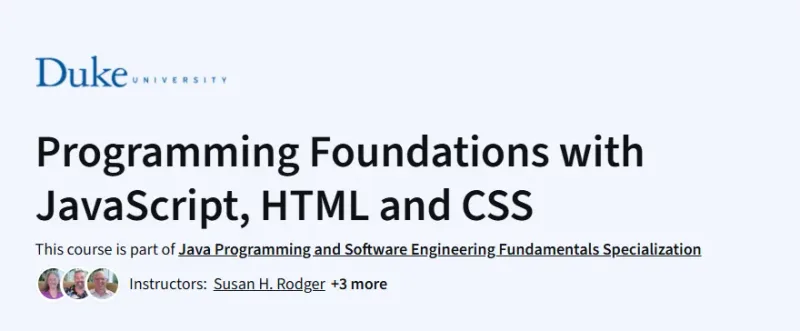
What will you learn in Programming Foundations with JavaScript, HTML and CSS Course
-
Learn the basics of web development using HTML, CSS, and JavaScript
-
Create interactive websites and simple web apps
-
Understand fundamental programming logic like loops, conditionals, and functions
-
Apply debugging strategies and improve code readability
-
Build a mini-game and a dynamic web page from scratch
Program Overview
Module 1: Introduction to Programming and Web
⏳ 1 week
-
Topics: HTML basics, text structure, formatting, lists, and links
-
Hands-on: Build your first web page
Module 2: JavaScript Fundamentals
⏳ 1 week
-
Topics: Variables, loops, conditionals, functions
-
Hands-on: Interactive programs using JavaScript
Module 3: Interactivity with JavaScript
⏳ 1 week
-
Topics: Event handling, DOM manipulation, JS timers
-
Hands-on: Make elements move and respond to user actions
Module 4: Styling with CSS
⏳ 1 week
-
Topics: CSS selectors, layout, fonts, colors
-
Hands-on: Build responsive and visually appealing pages
Module 5: Capstone Project – Mini Game
⏳ 1 week
-
Topics: Combine HTML, CSS, and JS into a project
-
Hands-on: Create an interactive game with animation and logic
Get certificate
Job Outlook
-
Strong demand for front-end development and web design skills
-
Great foundation for roles like Junior Web Developer, UI/UX Developer, and Full Stack Developer
-
Entry-level salaries range between $55,000–$80,000/year
-
A stepping stone into more advanced web development or software engineering
Explore More Learning Paths
Build strong front-end development skills and create interactive, responsive websites with these carefully selected courses in JavaScript, HTML, and CSS.
Related Courses
-
HTML, CSS, and JavaScript for Web Developers Course – Learn to create modern, interactive web pages by combining HTML, CSS, and JavaScript effectively.
-
Responsive Website Basics: Code with HTML, CSS, and JavaScript Course – Gain practical skills in building responsive websites that adapt to any device using foundational web technologies.
-
HTML, CSS, and JavaScript for Web Developers Specialization Course – Master front-end development with a specialization that covers advanced web design, interactivity, and best practices.
Related Reading
-
What Is Management? – Explore the core principles of web development and how HTML, CSS, and JavaScript come together to build functional websites.