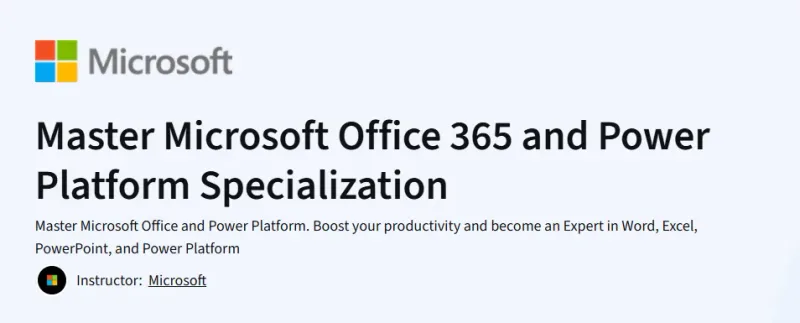
What will you learn in Master Microsoft Office 365 and Power Platform Specialization Course
-
Master Microsoft Office 365 applications like Excel, Word, and PowerPoint.
-
Automate workflows using Power Automate and Power Apps.
-
Analyze data efficiently with Power BI.
-
Use Microsoft Forms, Lists, and SharePoint for collaboration.
Program Overview
1. Microsoft 365: Administration and Management
⏱️ 1 week
-
Topics: Microsoft 365 setup, managing user accounts, compliance basics.
-
Hands-on: Configure user settings and manage licenses.
2. Mastering Office Applications
⏱️ 2 weeks
-
Topics: Word formatting, Excel formulas and pivot tables, PowerPoint design.
-
Hands-on: Create documents, spreadsheets, and presentations from scratch.
3. Introduction to Microsoft Power Platform
⏱️ 2 weeks
-
Topics: Power Apps, Power Automate, and Power BI fundamentals.
-
Hands-on: Automate simple tasks and build a basic app.
4. Working with Data: Forms, Lists, and SharePoint
⏱️ 1 week
-
Topics: Collecting and managing data using Microsoft tools.
-
Hands-on: Create Forms and automate workflows to SharePoint Lists.
5. Capstone Project: Build a Power Platform Solution
⏱️ 1 week
-
Topics: Apply your skills to create an end-to-end solution.
-
Hands-on: Integrate Office 365 tools with Power Platform components.
Get certificate
Job Outlook
-
High demand for professionals skilled in Microsoft 365 and Power Platform.
-
Applicable to roles like Digital Transformation Analyst, Office 365 Specialist, Power Platform Developer.
-
Salary range: $55,000–$90,000/year for support and analyst roles.
-
Freelance potential: Workflow automation and Office training projects.
Explore More Learning Paths
Advance your productivity, automation, and workplace efficiency skills with these carefully selected programs designed to deepen your mastery of Microsoft tools and modern digital workflows.
Related Courses
-
Introduction to Computers and Office Productivity Software Course – Build a strong foundation in essential computer operations and core office applications used across industries.
-
Work Smarter with Microsoft Word Course – Learn advanced Word features to enhance document creation, formatting, and workflow efficiency.
-
Microsoft Copilot Masterclass: Microsoft 365 Copilot Office Course – Discover how to leverage AI-powered tools within Microsoft 365 to streamline tasks, boost creativity, and automate everyday work.
Related Reading
Strengthen your understanding of how organizations use information systems to enhance performance and productivity:
-
What Is Knowledge Management? – Learn how companies capture, organize, and use knowledge to drive smarter decisions and operational efficiency.