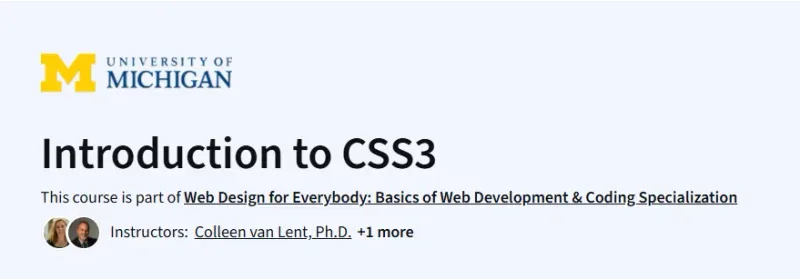
What will you learn in Introduction to CSS3 Course
- Understand the importance of separating content from presentation in web pages.
- Write basic CSS rules to modify colors, fonts, and text properties.
- Manipulate layout and spacing using the box model, width, height, and line-height.
- Apply advanced selectors, pseudo-classes, and pseudo-elements for dynamic styling.
- Ensure accessibility by evaluating pages with POUR guidelines.
Program Overview
Module 1: Getting Started with Simple Styling
⌛ ~4 hours
- Topics: Course welcome, CSS syntax, selectors, color properties, font styling.
- Hands-on: Write CSS rules to style headings, paragraphs, and links on a sample HTML page.
Module 2: Box Model, Layout, and Typography
⌛ ~4 hours
- Topics: Box model fundamentals (margin, border, padding), width/height, text properties, line-height.
- Hands-on: Adjust layout and text appearance on an existing page using box-model properties.
Module 3: Advanced Selectors and Dynamic Effects
⌛ ~4 hours
- Topics: Attribute selectors, pseudo-classes (hover, focus), pseudo-elements (::before, ::after), transitions.
- Hands-on: Add hover effects and smooth transitions to navigation menus and buttons.
Module 4: Responsive Design and Accessibility
⌛ ~4 hours
- Topics: Media queries basics, browser compatibility, POUR accessibility guidelines.
- Hands-on: Implement a responsive layout and evaluate it for accessibility compliance.
Module 5: Capstone Project – Complete CSS Page
⌛ ~4 hours
- Topics: Integrating CSS concepts, debugging best practices, maintainability strategies.
- Hands-on: Sketch a design for a provided HTML template and use CSS to fully realize the mockup.
Get certificate
Job Outlook
- Strong demand for front-end developers and web designers with solid CSS skills.
- Roles such as Front-End Developer, UI/UX Designer, and Web Accessibility Specialist rely on CSS3 expertise.
- Mastery of responsive design and accessibility increases employability across tech companies and agencies.
Explore More Learning Paths
Enhance your web design skills and create visually appealing, responsive websites with these carefully selected courses focused on CSS, HTML, and front-end development.
Related Courses
-
HTML and CSS In-Depth Course – Gain comprehensive knowledge of HTML and CSS, including advanced styling and layout techniques for modern web development.
-
Responsive Website Basics: Code with HTML, CSS, and JavaScript Course – Learn how to build responsive websites that adapt to different devices using HTML, CSS, and JavaScript.
-
HTML, CSS, and JavaScript for Web Developers Course – Develop full front-end web development skills by combining HTML, CSS, and JavaScript to create interactive web applications.
Related Reading
-
What Is Management? – Explore the key concepts of web development and the essential skills needed to build modern websites and applications.