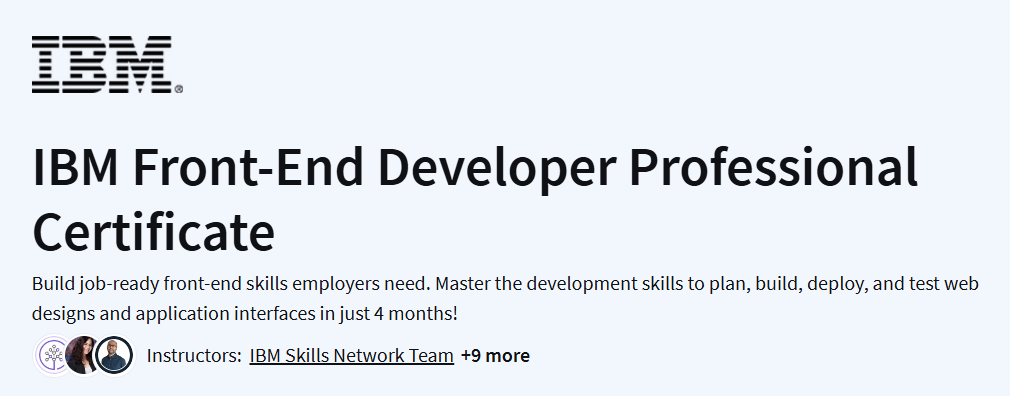
What you will learn in IBM Front-End Developer Professional Certificate Course
- Develop web pages using HTML, CSS, JavaScript, and React.
- Apply UI/UX principles and best practices to create engaging user interfaces.
- Manage code using GitHub repositories and branches.
- Gain hands-on experience through labs and projects to build a professional portfolio.
Program Overview
Introduction to Software Engineering
⏱️ 14 hours
- Understand software engineering concepts and the Software Development Lifecycle (SDLC).
- Learn about programming languages and basic constructs using Python.
- Explore application architecture and design patterns.
Introduction to Web Development with HTML, CSS, JavaScript
⏱️ 14 hours
- Create and structure web pages using HTML and style them with CSS.
- Develop dynamic web pages with interactive features using JavaScript.
Getting Started with Git and GitHub
⏱️10 hours
- Understand version control and its role in collaborative coding.
- Create GitHub repositories, branches, and perform pull requests.
Developing Front-End Apps with React
⏱️14 hours
- Build interactive user interfaces using React, JSX, and ES6.
- Employ React concepts like props, states, hooks, forms, and Redux.
Designing User Interfaces and Experiences (UI/UX)
⏱️18 hours
- Learn UI/UX concepts and best practices of visual development.
- Use Figma for designing compelling user interfaces.
Intermediate Web and Front-End Development
⏱️12 hours
- Enhance skills in front-end development with advanced topics.
- Work on projects involving Git, GitHub, and open-source collaboration.
Front-End Development Capstone Project
⏱️20 hours
- Apply all the skills learned to build a comprehensive front-end application.
- Demonstrate proficiency in front-end development through a portfolio project.
Get certificate
Job Outlook
- Front-end developers are in high demand across various industries.
- Skills in HTML, CSS, JavaScript, React, and UI/UX design are essential for roles such as Front-End Developer, Web Developer, and UI/UX Designer.
- Proficiency in version control systems like Git and platforms like GitHub is highly valued.
Explore More Learning Paths
Strengthen your foundational business knowledge with these curated courses designed to enhance your understanding of analytics, finance, and practical business applications.
Related Courses
- Cybersecurity for Business Specialization Course – Learn essential cybersecurity principles to protect business data and digital assets.
- Introduction to Data Analytics for Business Course – Gain foundational skills in analyzing business data to make informed, data-driven decisions.
- Business Finance and Data Analysis Fundamentals Specialization Course – Understand key financial and analytical concepts crucial for effective business management.
Related Reading
Enhance your understanding of structured business operations:
- What Is Management? – Explore the core principles, strategies, and functions that underpin effective business management.