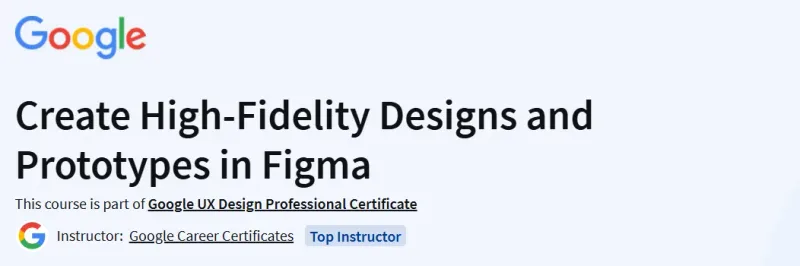
What you will learn in Create High-Fidelity Designs and Prototypes in Figma Course
-
Build mockups and high-fidelity prototypes using Figma.
-
Define and apply common visual design elements and principles.
-
Demonstrate how design systems can be used to organize, standardize, and enhance designs.
-
Understand the role of design critique sessions and feedback while iterating on designs.
Program Overview
Module 1: Starting to Create Mockups
⏳ 6 hours
- Focus on visual design by creating mockups—high-fidelity designs representing the final product. Utilize visual design elements like typography, color, and iconography, and arrange them using layouts such as grids, containment, and negative space
Module 2: Applying Visual Design Principles to Mockups
⏳ 4 hours
- Learn to apply visual design principles to your mockups, ensuring consistency and accessibility. Explore concepts like hierarchy, balance, and emphasis to enhance user experience.
Module 3: Exploring Design Systems
⏳ 3 hours
- Understand the importance of design systems in creating cohesive designs. Learn how to use components, styles, and assets in Figma to maintain consistency across your projects.
Module 4: Participating in Design Critique Sessions
⏳ 3 hours
- Engage in design critique sessions to gather feedback and iterate on your designs. Learn how to give and receive constructive feedback to improve your work.
Module 5: Creating High-Fidelity Prototypes
⏳ 3 hours
- Transform your mockups into interactive prototypes using Figma’s prototyping features. Conduct usability studies to test your designs and make improvements based on user feedback
Get certificate
Job Outlook
-
Completing this course equips you with practical UX design skills applicable to entry-level roles such as UX Designer, UI Designer, or Interaction Designer.
-
The hands-on activities and portfolio project enhance employability in the UX design field.
-
This course is part of the Google UX Design Professional Certificate, which prepares learners for various UX design career paths.
Explore More Learning Paths
Take your UI/UX design skills to the next level by mastering high-fidelity prototyping and Figma tools with these carefully selected courses designed to prepare you for professional design roles.
Related Courses
-
Foundations of User Experience (UX) Design Course – Build a strong UX foundation, from research and wireframing to user-centered design principles.
-
Build Wireframes and Low-Fidelity Prototypes Course – Learn to create effective wireframes and low-fidelity prototypes as a crucial step before high-fidelity designs.
-
IBM UI/UX Designer Professional Certificate Course – Gain comprehensive UI/UX design skills, including prototyping, user research, and professional-level design workflows.
Related Reading
-
What Is Python Used For – Understand how Python can complement design workflows, including interactive prototypes and data-driven UI testing.