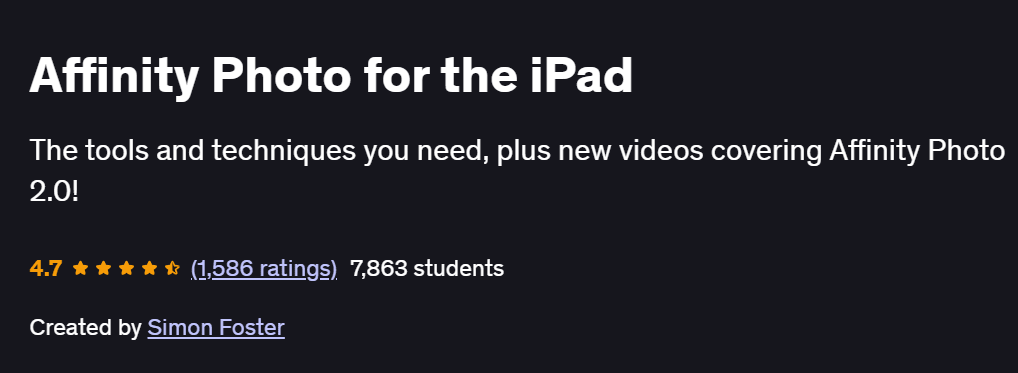
What will you in Affinity Photo for the iPad Course
-
Navigate the Affinity Photo iPad interface with confidence
-
Edit, retouch, and enhance photos using professional tools
-
Work with layers, masks, adjustments, and blend modes
-
Apply non-destructive editing techniques directly on the iPad
-
Use selections, brushes, liquify, and healing tools to refine images
Program Overview
Getting Started with Affinity Photo for iPad
⏳ 30 minutes
-
Introduction to the interface, personas, and navigation gestures
-
Setting up canvas, importing images, and organizing projects
Layers, Masks & Adjustments
⏳ 45 minutes
-
Creating and managing layers for non-destructive editing
-
Applying adjustment layers, layer masks, and blend modes
Selections, Brushes & Tools
⏳ 45 minutes
-
Using selection tools for precise edits
-
Working with brushes, erasers, and clone/heal tools
Photo Retouching Techniques
⏳ 45 minutes
-
Removing blemishes, distractions, and background clutter
-
Frequency separation and dodge & burn on iPad
Creative Edits & Effects
⏳ 30 minutes
-
Applying gradients, overlays, and artistic filters
-
Color grading using LUTs and tone curves
Using Liquify, Text, and More
⏳ 30 minutes
-
Warping and reshaping images with the Liquify persona
-
Adding and styling text for creative compositions
Exporting & Workflow Optimization
⏳ 30 minutes
-
Saving in different formats for print, web, or social media
-
Organizing files and creating reusable presets
Get certificate
Job Outlook
-
Affinity Photo is a rising alternative to Photoshop, widely used in digital art, photography, and content creation
-
Useful for photographers, social media managers, digital artists, and mobile content creators
-
Strong freelance opportunities in photo retouching, branding, and visual content
-
Valuable for creators seeking a powerful yet affordable mobile editing solution
Explore More Learning Paths
Master photo editing and digital design on your iPad with Affinity Photo. These related courses will help you enhance your creative workflow, combine raster and vector techniques, and create professional-quality visuals on the go.
Related Courses
-
Vector Drawing on the iPad with Affinity Designer Course — Learn vector illustration techniques on the iPad and create scalable, professional designs.
-
Affinity Photo 1: Beginner to Pro via Reference and Workflow Course — Build foundational skills in Affinity Photo and master photo editing, compositing, and creative workflows.
-
Affinity Designer: Solid Foundations Course — Strengthen your vector design skills and integrate raster and vector workflows for professional projects.
Related Reading
-
What Is Product Management? — Discover how mastering digital design tools enhances product development and marketing visuals.