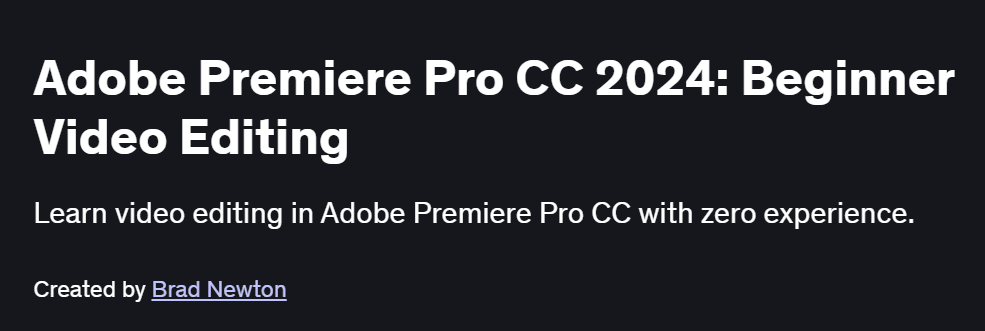
What will you in Adobe Premiere Pro CC 2024: Beginner Video Editing Course
- Master Adobe Premiere Pro’s interface, tools, and workflow
- Edit videos with cuts, transitions, B-roll, music, and voiceovers
- Use color correction, audio mixing, and keyframing for polished videos
- Create cinematic effects and export high-quality content
- Build a video editing workflow suitable for YouTube, social media, and freelance work
Program Overview
Introduction to Premiere Pro
⏳ 30 minutes
-
Understanding the workspace and setting up projects
-
Importing media and organizing your timeline
Basic Video Editing Tools
⏳ 45 minutes
-
Cutting clips, ripple/trimming, and timeline navigation
-
Working with B-roll and assembling a simple story
Audio Editing & Voiceovers
⏳ 45 minutes
-
Cleaning up voice recordings and syncing audio
-
Adding music, sound effects, and using audio transitions
Titles, Transitions & Graphics
⏳ 45 minutes
-
Creating intro/outro titles and motion graphics
-
Using transitions and essential graphics panel
Color Correction & Grading
⏳ 30 minutes
-
Using Lumetri Color for basic correction
-
Applying LUTs and creating cinematic color styles
Effects, Keyframes & Motion
⏳ 45 minutes
-
Zooms, pans, opacity fades, and slow motion
-
Applying and animating effects using keyframes
Export Settings & Workflow
⏳ 30 minutes
-
Choosing the right export settings for YouTube and other platforms
-
Creating presets for faster rendering
Real-World Projects
⏳ 45 minutes
-
Editing vlogs, fitness videos, talking head content
-
Tips for YouTubers, content creators, and freelance editors
Get certificate
Job Outlook
- Premiere Pro skills are in high demand for roles like Video Editor, Content Creator, and Social Media Manager
- Valuable for freelance editors, YouTubers, marketers, and course creators
- Video content is a key skill in digital branding and advertising
- High potential for monetization through client work, courses, and content platforms
Explore More Learning Paths
Enhance your video editing expertise and master professional storytelling techniques with these related Adobe Premiere Pro courses. Whether you’re polishing your foundational skills or diving deeper into advanced editing, these learning paths will help you produce cinematic results.
Related Courses
-
Adobe Premiere Pro Masterclass: Video Editing in Premiere Course — Learn advanced editing, motion graphics, and color correction techniques to create polished, professional-grade videos.
-
Adobe Premiere Pro CC Essential Video Editing: Zero to Hero Course — Build your editing confidence from the ground up, mastering transitions, effects, and storytelling techniques to craft standout video content.
Related Reading
- What Is Product Management? — Understand how design, creativity, and product strategy come together to deliver meaningful digital experiences.