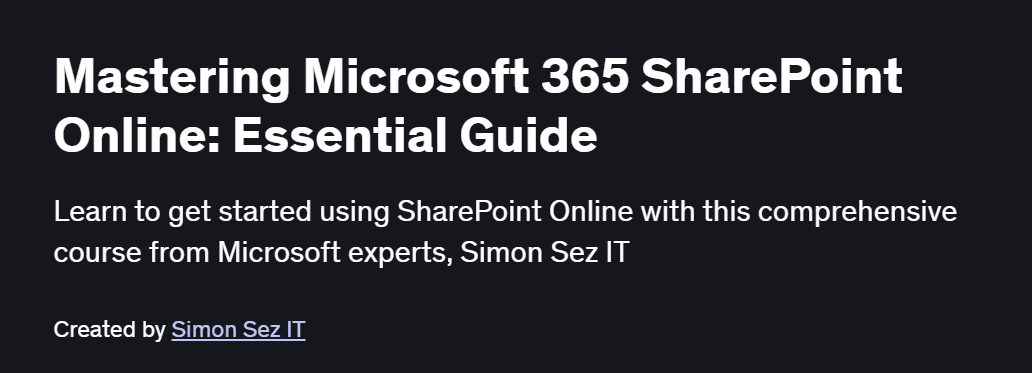
What will you in Mastering Microsoft 365 SharePoint Online: Essential Guide Course
- Understand the fundamentals of SharePoint Online and the Microsoft 365 ecosystem
- Create and configure SharePoint sites, libraries, and lists
- Manage user permissions, groups, and security settings
- Customize pages with web parts, themes, and navigation
- Implement document management, versioning, and collaboration features
Program Overview
Introduction to SharePoint Online
⏳ 30 minutes
-
Overview of SharePoint’s role within Microsoft 365
-
Navigating the SharePoint admin center and site home
Setting Up Sites & Libraries
⏳ 45 minutes
-
Creating team and communication sites
-
Configuring document libraries, lists, and metadata
Permissions & Security
⏳ 45 minutes
-
Understanding permission levels and inheritance
-
Managing user groups, sharing settings, and external access
Web Parts & Page Customization
⏳ 1 hour
-
Adding and configuring key web parts (text, image, document)
-
Customizing site look and feel with themes and layouts
Document Management & Collaboration
⏳ 45 minutes
-
Version history, check-in/check-out, and co-authoring
-
Alerts, workflows, and syncing with OneDrive
Integrations & Best Practices
⏳ 30 minutes
-
Connecting SharePoint with Teams, Planner, and Power Automate
-
Governance tips, maintenance routines, and adoption strategies
Get certificate
Job Outlook
- SharePoint expertise is in high demand for roles like SharePoint Administrator, Collaboration Specialist, and Intranet Manager
- Organizations across industries rely on SharePoint for content management, knowledge sharing, and team collaboration
- Certified SharePoint professionals command strong salaries and career growth opportunities
- Skills transferable to broader Microsoft 365 administration and digital workplace initiatives
Explore More Learning Paths
Enhance your Microsoft 365 proficiency and streamline your collaboration skills with curated courses designed to deepen your understanding of SharePoint, Office 365, and productivity workflows.
Related Courses
-
Microsoft 365 Fundamentals Specialization Course – Build a strong foundation in Microsoft 365 tools, cloud services, and collaboration essentials for professional environments.
-
Master Microsoft Office 365 and Power Platform Specialization Course – Learn advanced Office 365 features, workflow automation, and Power Platform integration to optimize business processes.
-
Work Smarter with Microsoft Word Course – Maximize productivity in Word with tips, shortcuts, and advanced document management techniques.
Related Reading
Improve your organizational workflows and project efficiency:
-
What Is Knowledge Management? – Learn how structured data, documentation, and collaborative tools enhance team productivity and information management.