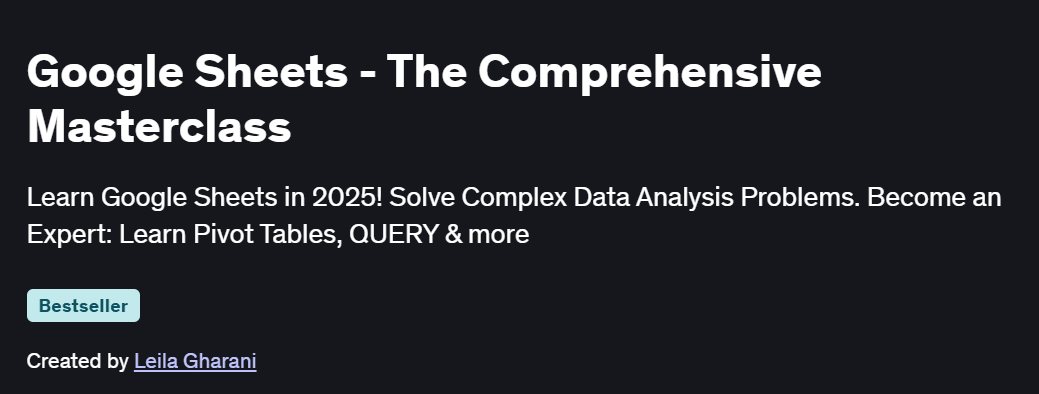
What you will learn in Google Sheets – The Comprehensive Masterclass Course
What you will learn in Course
-
Learn how to import, clean, and transform data from various sources using Google Sheets.
-
Understand how to automate data preparation tasks to save time and reduce errors.
-
Create relationships between multiple data tables for better analysis and use powerful functions for data manipulation.
- Master complex formulas to analyze data and handle large datasets effectively.
- Visualize data using charts and graphs, and create interactive reports.
- Automate repetitive tasks with Google Apps Script, and create custom functions for your sheets.
Program Overview
Introduction to Google Sheets
⏳ 2 hours
- Overview of the Google Sheets interface and basic functionalities.
- Learn to create and format spreadsheets effectively.
- Basic data entry and navigation techniques.
Essential Functions and Formulas
⏳ 2.5 hours
-
Master basic and advanced Excel-like functions in Google Sheets.
-
Learn how to work with different types of data and manipulate them easily.
-
Apply text functions and conditional formatting to clean and organize data.
Data Analysis Techniques
⏳ 2.5 hours
-
Learn how to retrieve data using powerful lookup functions.
-
Apply conditional formatting for visual insights.
-
Create PivotTables to summarize and analyze large datasets.
Advanced Formulas and Scripting
⏳ 3 hours
-
Dive into advanced data analysis techniques with complex formulas.
-
Learn basic scripting to automate tasks and create custom solutions.
-
Explore how to use Google Apps Script for automating repetitive actions.
Collaboration and Sharing
⏳ 2 hours
-
Learn how to share spreadsheets with others and manage permissions.
-
Collaborate in real-time and track version history.
-
Utilize Google Sheets’ collaboration features for efficient teamwork.
Get certificate
Job Outlook
-
High Demand: Proficiency in Google Sheets is a highly sought-after skill in data analysis, project management, and operations.
-
Career Advancement: Mastery of Google Sheets opens up career opportunities in business intelligence, operations, and data-driven decision-making.
-
Salary Potential: Professionals with advanced Google Sheets skills often command higher salaries due to their ability to automate tasks and analyze data effectively.
-
Freelance Opportunities: Google Sheets automation skills are in high demand for freelance projects such as reporting, data analysis, and spreadsheet automation.