
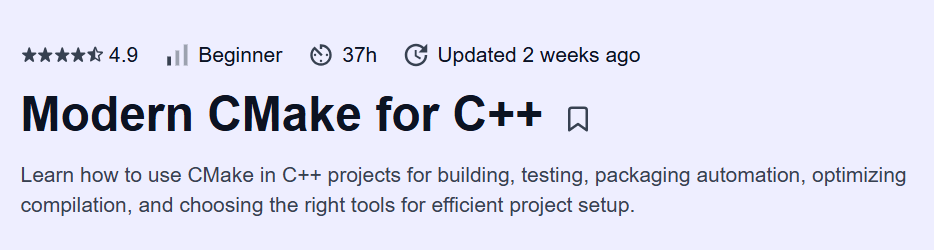
What will you learn in Modern CMake for C++ Course
-
Grasp modern CMake fundamentals: targets, properties, and the “target‐based” approach
-
Structure cross‐platform C++ projects with out-of-source builds and customizable build types
-
Manage dependencies seamlessly using
find_package,FetchContent, andadd_subdirectory
-
Configure and generate IDE project files (Visual Studio, Xcode) and Ninja/Make workflows
-
Leverage advanced features: generator expressions, imported targets, custom commands, and toolchain files
Program Overview
Module 1: Introduction to Modern CMake
⏳ 1 week
-
Topics: CMake philosophy, version 3+ improvements, basic
CMakeLists.txtstructure -
Hands-on: Convert a “hello world” Makefile project into a simple CMake project
Module 2: Targets & Properties
⏳ 1 week
-
Topics:
add_libraryvs.add_executable,target_include_directories,target_compile_features -
Hands-on: Define a static library and executable target, set per-target compiler options
Module 3: Dependency Management
⏳ 1 week
-
Topics:
find_packagefor system libs,FetchContentfor remote sources, interface vs. public vs. private -
Hands-on: Integrate GoogleTest and fmtlib into your project using both approaches
Module 4: Build Configuration & Generators
⏳ 1 week
-
Topics: CMake presets, build types (
Debug,Release), multi-generator support (Ninja, VS) -
Hands-on: Create build presets and generate Ninja and Visual Studio solutions
Module 5: Custom Commands & Code Generation
⏳ 1 week
-
Topics:
add_custom_command,add_custom_target, host tools vs. cross-compilation -
Hands-on: Auto-generate a header via a Python script at build time
Module 6: Testing & Packaging
⏳ 1 week
-
Topics:
enable_testing,add_test, CTest integration,CPackfor installers and packages -
Hands-on: Add a test suite with CTest and create a ZIP/TGZ package via CPack
Module 7: Advanced Features & Toolchain Files
⏳ 1 week
-
Topics: Generator expressions, imported targets, cross-compile toolchains, presets for embedded builds
-
Hands-on: Write a toolchain file for cross-compiling to an ARM target
Module 8: Capstone Project – Multi-Module C++ App
⏳ 1 week
-
Topics: Structuring a large codebase, isolation of third-party libs, reproducible builds
-
Hands-on: Build and package a sample multi-module C++ application (e.g., CLI + library + tests)
Get certificate
Job Outlook
-
Mastery of modern CMake is vital for C++ roles in systems, embedded, and application development
-
Roles include Build Engineer, DevOps Engineer, Embedded Software Developer, and C++ Architect
-
Salaries range from $90,000 to $160,000+ based on domain and experience
-
Strong CMake skills ensure reproducible builds, easier CI/CD integration, and cross-platform support
Explore More Learning Paths
Advance your C++ development skills and build efficient, maintainable projects with these hand-picked programs designed to help you master modern C++ practices and project management tools like CMake.
Related Courses
-
Go and C Programming in Two Successor Languages of C Specialization Course – Learn Go and C programming fundamentals to enhance your understanding of systems programming and modern software design.
-
Coding for Everyone: C and C++ Specialization Course – Build foundational coding skills in C and C++ with hands-on exercises and real-world applications.
-
Object-Oriented Data Structures in C Course – Master data structures and object-oriented programming concepts to design efficient C++ applications.
Related Reading
Gain deeper insight into how structured knowledge enhances C++ development workflows:
-
What Is Knowledge Management? – Explore how organizing and leveraging programming knowledge improves code quality, efficiency, and project outcomes.


