
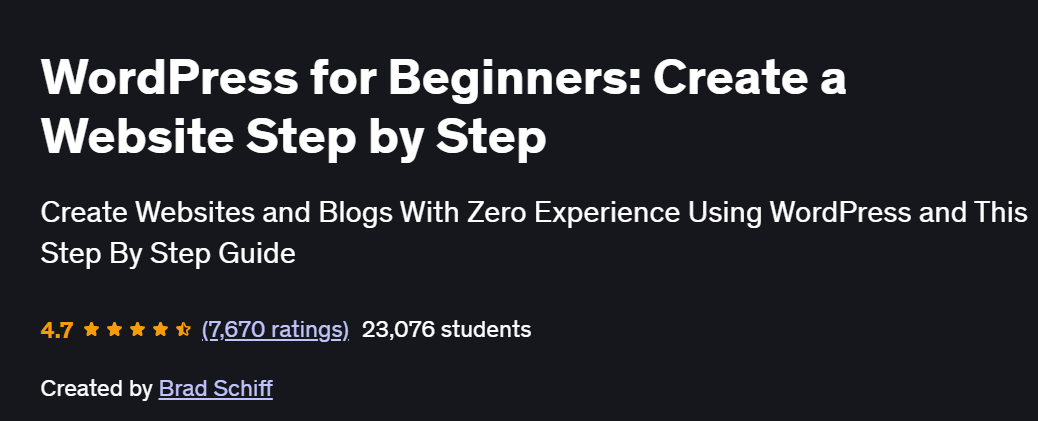
What will you in WordPress for Beginners: Create a Website Step by Step Course
- Set up and configure a WordPress website without coding
- Choose and customize themes to match your brand or blog style
- Install and manage essential plugins for performance, security, and SEO
- Create pages, blog posts, menus, and contact forms
- Launch and maintain a functional, responsive website or blog
Program Overview
Getting Started with WordPress
⏳ 30 minutes
-
Introduction to WordPress.org vs WordPress.com
-
Choosing a domain and hosting provider
Installing WordPress & Basic Settings
⏳ 30 minutes
-
One-click WordPress install walkthrough
-
Configuring general settings, permalinks, and privacy
Themes and Customization
⏳ 45 minutes
-
Choosing and installing a responsive theme
-
Customizing headers, menus, footers, and homepage layout
Pages, Posts & Media
⏳ 45 minutes
-
Creating pages (Home, About, Contact) and publishing blog posts
-
Uploading and organizing images, videos, and documents
Plugins and Functionality
⏳ 45 minutes
-
Installing plugins for SEO, backups, and contact forms
-
Setting up essential tools like Elementor, Yoast, and Akismet
Menus, Widgets & Navigation
⏳ 30 minutes
-
Building user-friendly navigation menus and adding widgets
-
Managing sidebars and footer content
Security, SEO & Maintenance
⏳ 30 minutes
-
Securing your site with plugins and SSL
-
Basic on-page SEO and regular backup practices
Get certificate
Job Outlook
- WordPress powers over 40% of websites, making skills highly marketable for freelance and in-house roles
- Ideal for bloggers, small business owners, and content creators
- Opportunities in website maintenance, eCommerce (with WooCommerce), and digital marketing
- Strong potential for freelance web development and content-based income streams
Explore More Learning Paths
Enhance your web development and website-building expertise with curated programs designed to expand your technical skills, design confidence, and online creation abilities.
Related Courses
-
Build a Full Website Using WordPress Course – Master the complete workflow of building functional, professional WordPress sites from scratch.
-
Build a Free Website with WordPress Course – Learn how to create a polished, cost-effective website using free tools, themes, and plugins.
-
Complete WordPress Website Developer Course – Develop advanced WordPress skills including customization, optimization, and full-site development.
Related Reading
Strengthen your understanding of essential management concepts that support effective project organization and execution:
-
What Is Project Management? – Discover the principles that ensure every website project is completed efficiently and successfully.


