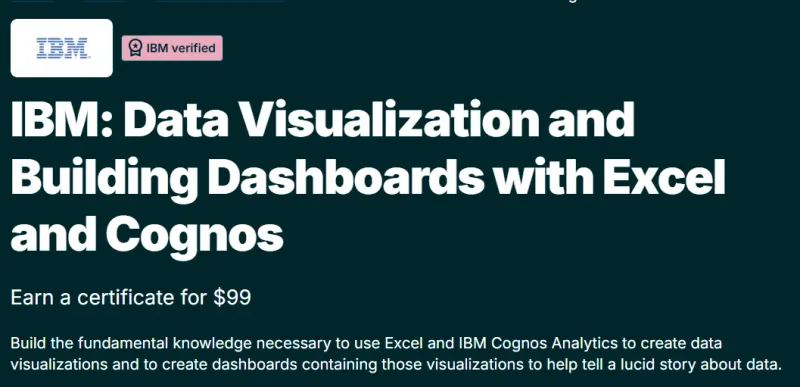
What will you learn in IBM: Data Visualization and Building Dashboards with Excel and Cognos course
-
Understand the core principles of effective data visualization and visual storytelling.
-
Learn how to transform raw data into meaningful charts and insights using Microsoft Excel.
-
Build interactive dashboards that support business decision-making.
-
Use IBM Cognos Analytics to create professional, enterprise-grade dashboards.
-
Choose the right visualization types for different data and business questions.
-
Apply best practices to ensure clarity, accuracy, and impact in visual reports.
Program Overview
Foundations of Data Visualization
⏳ 1–2 weeks
-
Learn why data visualization is critical in analytics and business intelligence.
-
Understand how people perceive and interpret visual information.
-
Explore examples of effective vs misleading data visualizations.
Data Visualization with Microsoft Excel
⏳ 2–3 weeks
-
Create bar charts, line charts, pie charts, and combination charts in Excel.
-
Learn formatting, labeling, and layout best practices.
-
Use Excel features to highlight trends, comparisons, and patterns.
Building Dashboards in Excel
⏳ 2–3 weeks
-
Combine multiple charts into interactive dashboards.
-
Learn filtering, slicers, and dashboard layout techniques.
-
Design dashboards for executives and business stakeholders.
Data Visualization with IBM Cognos Analytics
⏳ 2–3 weeks
-
Learn the basics of IBM Cognos Analytics for business intelligence.
-
Build interactive, shareable dashboards using enterprise BI tools.
-
Understand how Cognos supports reporting, dashboards, and analytics at scale.
Get certificate
Job Outlook
-
Highly relevant for roles such as Data Analyst, Business Analyst, Reporting Analyst, and BI Analyst.
-
Visualization and dashboarding skills are essential across finance, marketing, operations, and IT.
-
Experience with both Excel and BI tools strengthens analytics career paths.
-
Serves as a foundation for advanced BI tools like Power BI and Tableau.
Explore More Learning Paths
Expand your data storytelling and visualization expertise with these curated programs designed to sharpen your ability to turn raw data into clear, compelling insights.
Related Courses
-
Data Visualization and Communication with Tableau Course – Learn how to build interactive dashboards and communicate data-driven insights effectively using Tableau.
-
Data Visualization Course – Strengthen your understanding of visualization principles and develop practical skills to present data clearly and persuasively.
-
Data Visualization with Tableau Specialization Course – Master Tableau’s advanced features to create professional dashboards and conduct deeper visual analysis.
Related Reading
Gain deeper insight into how project management drives real-world success:
-
What Is Project Management? – Understand the principles that make every great project a success story.