What will you learn in Gmail Course
-
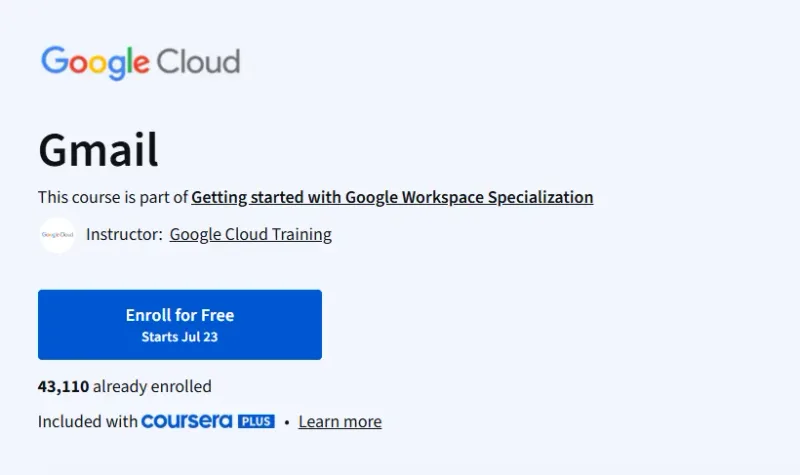
Compose, send, reply to, and format Gmail messages effectively.
-
Organize your mailbox using labels, filters, advanced search, and conversation view.
-
Integrate Gmail with other Workspace apps—create calendar events, manage contacts, and click-to-Meet.
-
Customize your Gmail experience: signatures, templates, vacation responders, keyboard shortcuts, filters, and desktop notifications.
Program Overview
Module 1: Course Introduction
⏳ ~3 minutes
-
Overview of course goals and business-use context. Includes 2 introductory videos.
Module 2: Introduction to Gmail
⏳ ~27 minutes
-
Learn to access Gmail, compose messages, manage replies, and navigate conversation threading. Features 7 videos, 1 reading, and a quiz.
Module 3: Organize Your Email
⏳ ~21 minutes
-
Deep dive into creating/managing labels and applying them to conversations. Includes 3 videos, 1 reading, and an assignment.
Module 4: Gmail Integration
⏳ ~19 minutes
-
Convert emails into calendar events, schedule messages, and integrate with Meet and Chat.
Module 5: Protect Your Inbox
⏳ ~7 minutes
-
Learn about Gmail’s protective features and spam filtering. Includes demo video and quiz.
Module 6: Contacts
⏳ ~18 minutes
-
Manage personal and directory contacts: import, export, group creation.
Module 7: Manage Gmail Settings
⏳ ~39 minutes
-
Set up signatures, templates, auto-replies, and additional settings. Includes multiple readings and one assignment.
Module 8: Become More Productive
⏳ ~30 minutes
-
Use filters, search operators, scheduled send, inbox types, keyboard shortcuts, and notifications.
Get certificate
Job Outlook
-
Enhances skills relevant for roles in administrative assistance, customer support, and any position relying on Workspace proficiency.
-
Complements the broader Workspace specialization, which supports roles in tech support and office productivity.
Explore More Learning Paths
Enhance your productivity and mastery of Google Workspace tools with these curated courses, designed to help you efficiently manage email, collaboration, and administrative tasks.
Related Courses
-
Google Professional Workspace Administrator Professional Certificate Course – Learn how to manage, configure, and secure Google Workspace for organizations, including Gmail, Drive, and admin tools.
-
Getting Started with Google Workspace Specialization Course – Build foundational skills in Google Workspace applications to optimize communication, collaboration, and productivity.
Related Reading
-
What Is Time Management – Discover strategies to manage your time effectively using email and productivity tools like Gmail.