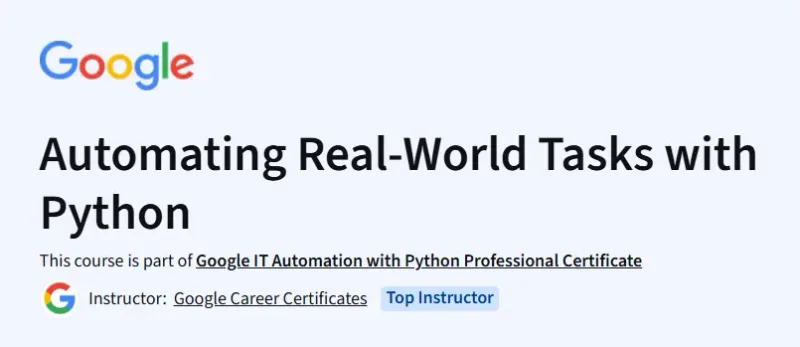
What will you learn in Automating Real-World Tasks with Python Course
-
Use Python libraries like PIL, Requests, Flask, and Django to automate tasks and build simple web services.
-
Serialize and transmit data, handle REST APIs, and work with JSON to communicate with web services.
-
Generate PDFs, send emails with attachments via SMTP, and implement logging and exception handling in robust scripts.
-
Combine OS automation, web interaction, PDF generation, and container tools into cohesive real‑world automation workflows.
Program Overview
Module 1: Setup & Image Manipulation
⏳ ~1 hour
-
Topics: PIL library, container basics (VS Code & Docker), PIL-based image scaling and format conversion.
-
Hands-on: Qwiklabs: scale/convert images via PIL.
Module 2: Web Services & APIs
⏳ ~3 hours
-
Topics: Web services, RESTful API concepts, Flask framework, HTTP methods, constructing APIs.
-
Hands-on: Build a Flask app to process files and interact with REST APIs.
Module 3: Output Generation & Communication
⏳ ~4 hours
-
Topics: Logging, exception handling, Python email library (SMTP), PDF generation (tables & graphics), DevOps monitoring basics (SLIs/SLOs).
-
Hands-on: Generate & email PDFs containing structured data; practice robust script logging.
Module 4: Integrative Project & Career Readiness
⏳ ~5 hours
-
Topics: End-to-end automation: combining image conversion, email, health-check scripting, logging, and error handling.
-
Hands-on: Final project: automate catalog update with PDF reports and notifications; Qwiklabs-based assessment.
Get certificate
Job Outlook
-
Rounds out a six-course certificate equipping learners for roles like IT Automation Engineer or Junior DevOps support.
-
Provides hands-on automation skills widely applicable in sysadmin, DevOps, and scripting-heavy IT roles.
Explore More Learning Paths
Enhance your workflow by learning how to automate repetitive tasks, streamline data processes, and apply Python scripting to real-world scenarios.
Related Courses
-
Automation Anywhere Certification Training Course
Learn enterprise-grade automation tools to build scalable workflows that complement Python-based automation. -
QA Automation Testing Training Course
Strengthen your understanding of automated testing frameworks—perfect for applying automation in software and system operations. -
Master Generative AI: Automate Content Effortlessly with AI Course
Discover how AI-powered automation can accelerate content creation and enhance workflow efficiency.
Related Reading
-
What Is Agile Project Management
Understand agile workflows and how automation fits into efficient, iterative project execution.