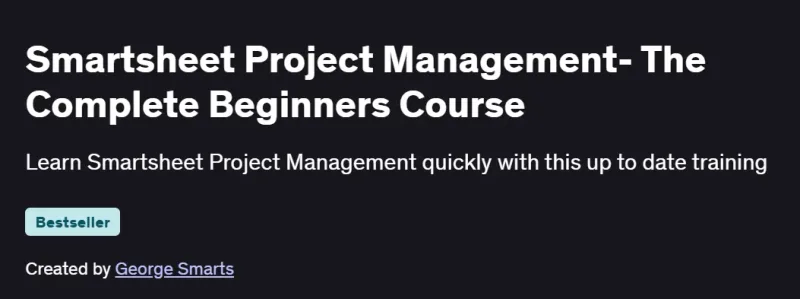
What will you in Smartsheet Project Management- The Complete Beginners Course
-
Navigate Smartsheet’s interface: sheets, reports, dashboards, and workspaces
-
Create and manage sheets: columns, rows, filters, and conditional formatting
-
Automate workflows with alerts, reminders, and approval requests
-
Use formulas, cell linking, and cross-sheet references for dynamic data
-
Build interactive dashboards and Gantt charts to visualize project status
-
Collaborate in real time: comments, attachments, and @mentions
Program Overview
Module 1: Smartsheet Setup & Interface Tour
⏳ 30 minutes
-
Signing up, navigating the home screen, and understanding sheet vs. report vs. dashboard
-
Organizing workspaces, folders, and templates
Module 2: Creating and Formatting Sheets
⏳ 45 minutes
-
Adding columns, setting column types (date, dropdown, checkbox)
-
Applying filters, sorts, and conditional formatting rules
Module 3: Data Entry & Formulas
⏳ 1 hour
-
Entering and importing data, bulk update techniques
-
Writing basic formulas (
SUM,IF,COUNTIF) and using cell linking
Module 4: Automations & Alerts
⏳ 45 minutes
-
Setting up automated workflows: alerts, reminders, and approval requests
-
Customizing trigger events, recipients, and message content
Module 5: Reports & Cross-Sheet References
⏳ 45 minutes
-
Building reports to roll up data from multiple sheets
-
Creating cross-sheet formulas and reference ranges
Module 6: Gantt Charts & Card View
⏳ 45 minutes
-
Enabling Gantt view, adjusting dependencies, and critical path
-
Using Card view for kanban-style task management
Module 7: Dashboards & Widgets
⏳ 1 hour
-
Adding chart, metric, and report widgets to dashboards
-
Configuring filters, layouts, and publishing options
Module 8: Collaboration & Best Practices
⏳ 30 minutes
-
Sharing sheets with permissions, commenting, and @mentions
-
Version history, audit logs, and best-practice tips for governance
Get certificate
Job Outlook
-
Smartsheet proficiency is valuable for roles like Project Coordinator, PMO Analyst, and Operations Manager
-
In demand across industries for project tracking, resource management, and process automation
-
Enables you to streamline workflows, improve team collaboration, and drive data-driven decisions
-
Provides a foundation for Smartsheet certifications (Smartsheet Certified User) and advanced automation
Explore More Learning Paths
Boost your project management skills and efficiency with these hand-picked programs designed to help you plan, execute, and track projects effectively using modern tools and methodologies.
Related Courses
-
ChatGPT for Project Management: Leveraging AI for Success Specialization Course – Learn how AI tools like ChatGPT can streamline project workflows, enhance decision-making, and improve team collaboration.
-
Introduction to Project Management Course – Build a strong foundation in project planning, scheduling, risk management, and resource allocation.
-
Engineering Project Management Specialization Course – Master key aspects of managing engineering projects, including quality, risk, and team coordination from start to finish.
Related Reading
Gain deeper insight into effective project management strategies:
-
What Is Project Management? – Understand the principles that make every project a success story, from planning to execution.