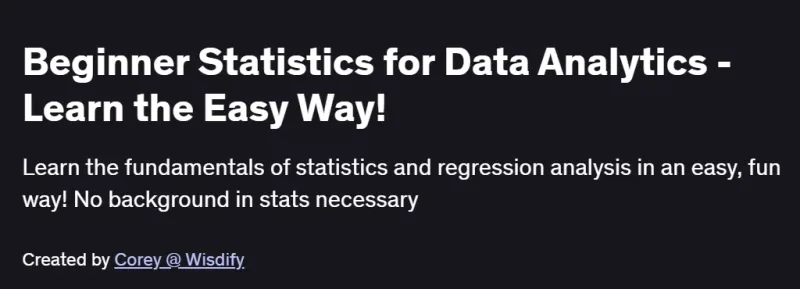
What will you in Beginner Statistics for Data Analytics – Learn the Easy Way! Course
- Understand the fundamentals of statistics without memorizing complex formulas
- Make better, more accurate data-driven decisions using descriptive and inferential techniques
- Plot different types of data using scatter plots and histograms to reveal patterns
- Calculate correlation, standard deviation, and other key measures of variability
- Make estimates using confidence intervals to quantify uncertainty
- Carry out regression analysis to spot trends and build simple forecasting models Udemy
Program Overview
Module 1: Getting Started & Excel Setup
⏳ 30 minutes
-
Installing Excel and configuring the environment for statistical analysis
-
Overview of the course structure and definitions of key statistical terms
Module 2: Descriptive Statistics & Central Tendency
⏳ 45 minutes
-
Calculating mean, median, mode, and understanding data distributions
-
Measuring variability with range, variance, and standard deviation
Module 3: Data Visualization
⏳ 45 minutes
-
Building histograms, bar charts, and scatter plots in Excel
-
Interpreting visual cues to identify outliers and trends
Module 4: Correlation & Covariance
⏳ 1 hour
-
Computing covariance and correlation coefficients
-
Assessing strength and direction of relationships between variables
Module 5: Inferential Statistics & Confidence Intervals
⏳ 45 minutes
-
Understanding sampling distributions and the Central Limit Theorem
-
Constructing and interpreting confidence intervals for means and proportions
Module 6: Regression Analysis & Forecasting
⏳ 1 hour
-
Performing simple linear regression in Excel using built-in tools
-
Interpreting regression output: slope, intercept, R², and p-values
Module 7: Combining Descriptive and Inferential Methods
⏳ 45 minutes
-
Integrating analysis techniques to draw actionable insights
-
Case study: applying both descriptive and inferential methods to real data
Module 8: Final Project & Next Steps
⏳ 30 minutes
-
Capstone exercise: end-to-end statistical analysis in Excel
-
Resources for further learning in statistics and analytics
Get certificate
Job Outlook
-
Data Analyst and Business Analyst roles routinely require these core statistical skills to interpret business metrics
-
Marketing Analysts and Operations Specialists use confidence intervals and regression to optimize campaigns and processes
-
Foundational for careers in Data Science, Financial Analysis, and Quality Control across industries
-
Equips you with the toolkit to participate in data-driven decision-making, a top-requested skill in today’s job market
Explore More Learning Paths
Build a strong foundation in data analytics and statistics with these hand-picked programs designed to help you analyze data, uncover insights, and make informed decisions.
Related Courses
-
Introduction to Data Analytics Course – Learn the fundamentals of data analytics, including data cleaning, visualization, and interpretation.
-
Introduction to Data Analytics for Business Course – Apply analytics techniques to business problems and gain practical skills for data-driven decision-making.
-
Google Advanced Data Analytics Professional Certificate Course – Develop advanced analytics skills, including statistical modeling, visualization, and using AI-powered tools for data insights.
Related Reading
Gain deeper insight into working with data effectively:
-
What Is Data Management? – Understand the strategies and tools for collecting, organizing, and analyzing data to drive meaningful business outcomes.